Visage
Visage: Visualization of Graph AlgorithmsThe Visage extension of Cinderella has it origins in a project started in 2005 in the DFG research center Matheon in Berlin. We will give only a brief overview over the basic elements of Visage here. You can find more information about Visage (mostly in German language) on its webpage at http://cinderella.de/visage  , currently hosted by the Centre for Educational Research in Mathematics Education (CERMAT). We also refer to [GKLWM05] and [FK09] for more information about how you can use Visage in teaching. , currently hosted by the Centre for Educational Research in Mathematics Education (CERMAT). We also refer to [GKLWM05] and [FK09] for more information about how you can use Visage in teaching.Starting Visage
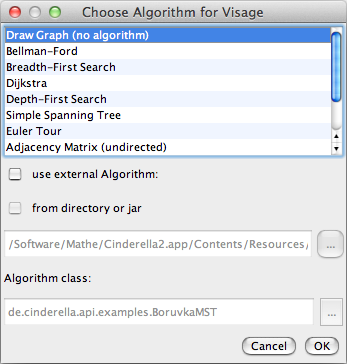
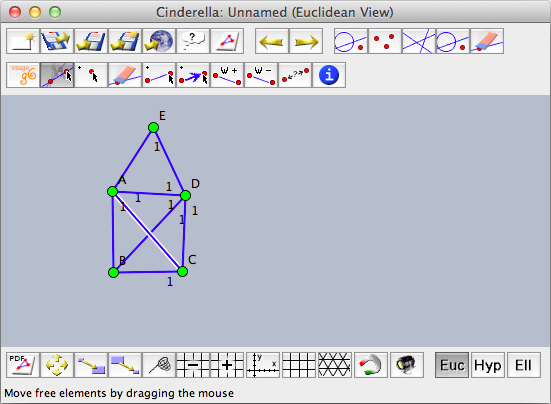
For now, choose the "Draw Graph" algorithm. The Cinderella toolbar will change to a Visage-specific toolbar that contains tools for drawing vertices and edges.
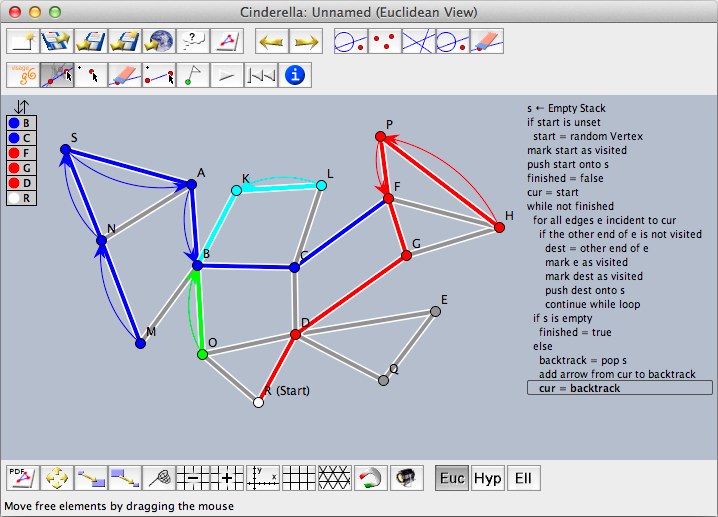
You can draw undirected or directed and unweighted or weighted graphs. Usually, the chosen graph algorithms governs the available types. You can always choose a new algorithm (and its corresponding toolbar) using the button, and, if applicable, the existing graph will be reused.Running AlgorithmsVisage comes with several built-in algorithms that can be applied to graphs. By default the algorithms run in step-by-step mode, as Visage is not meant for high-performance calculations but for visualization in educational settings. Pressing the play button  will execute one step each time. The rewind button will execute one step each time. The rewind button  reinitializes the algorithm and you can start it again. reinitializes the algorithm and you can start it again.
Interaction With CindyScriptYou can write graph algorithms also in CindyScript. On the Visage website you find a small library that makes it easy to access vertices and edges of a graph. This library relies on user attributes of geometric elements. These user attributes are accessible via two CindyScript commands: Set a user attribute:
|

Login